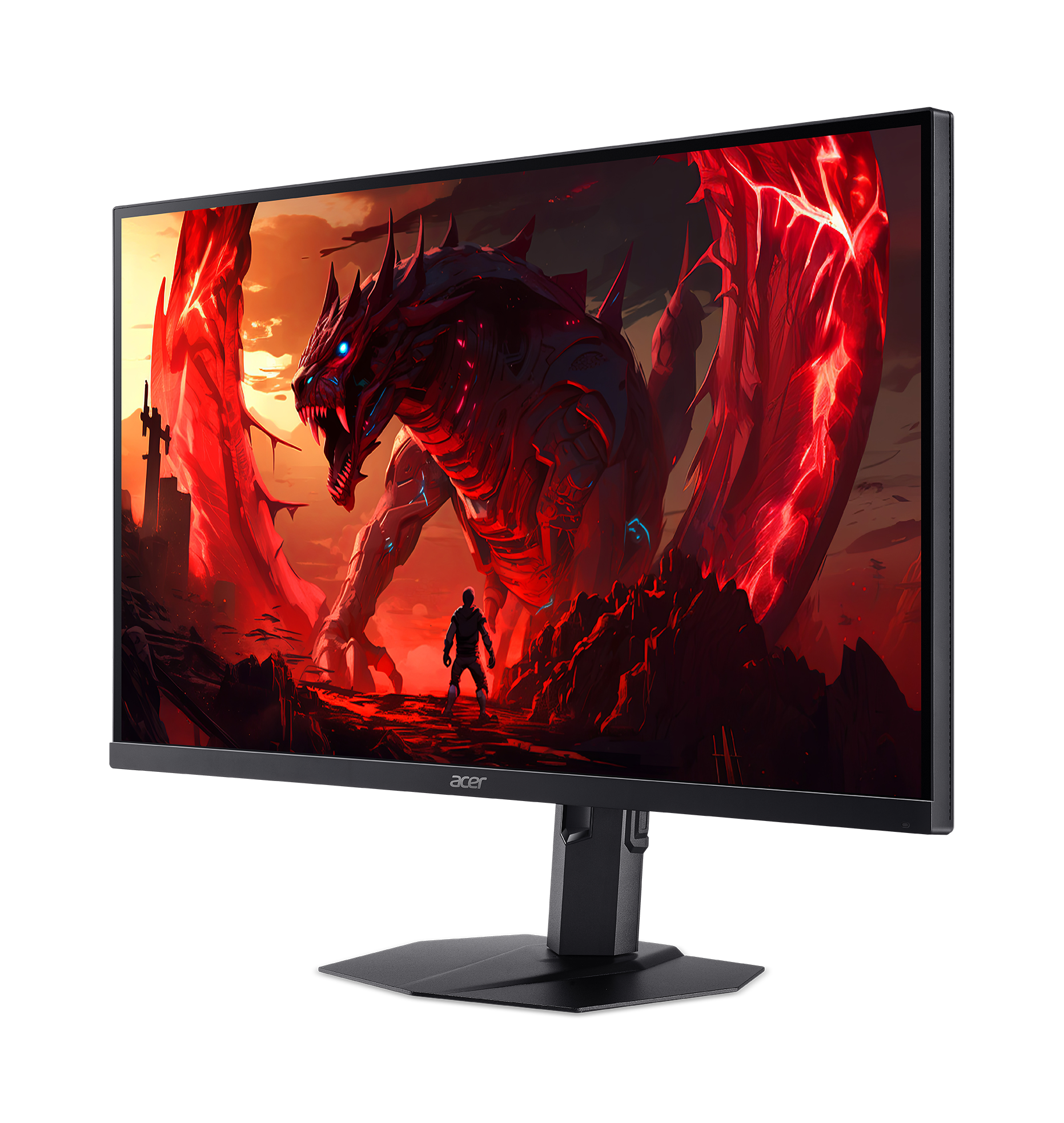
Let’s be honest, in the tech world, we’re taught that you have to choose. You can have “fast” or you can have “beautiful.” You can have an elite, high-refresh-rate gaming monitor, or you can have a color-accurate, professional display for creative work. You are not supposed to get both in one package, especially not without spending a small fortune.
At least, that’s what I thought.
Then, Acer sent me the new Nitro XV275U F3. I read the spec sheet: 27-inch WQHD, a 320Hz refresh rate, a 1152-zone MiniLED backlight, 99% AdobeRGB coverage, and a Delta E < 2 rating. Then I saw the price: $379.99.
My first thought was, “No, that’s a typo.” My second thought was, “Okay, what’s the catch?”
I have spent a full week with this monitor as my daily driver. I’ve been hunting for that catch. I’ve been looking for the fatal flaw. I wanted to write this full, passionate breakdown to tell you what I found. Here are my thoughts.
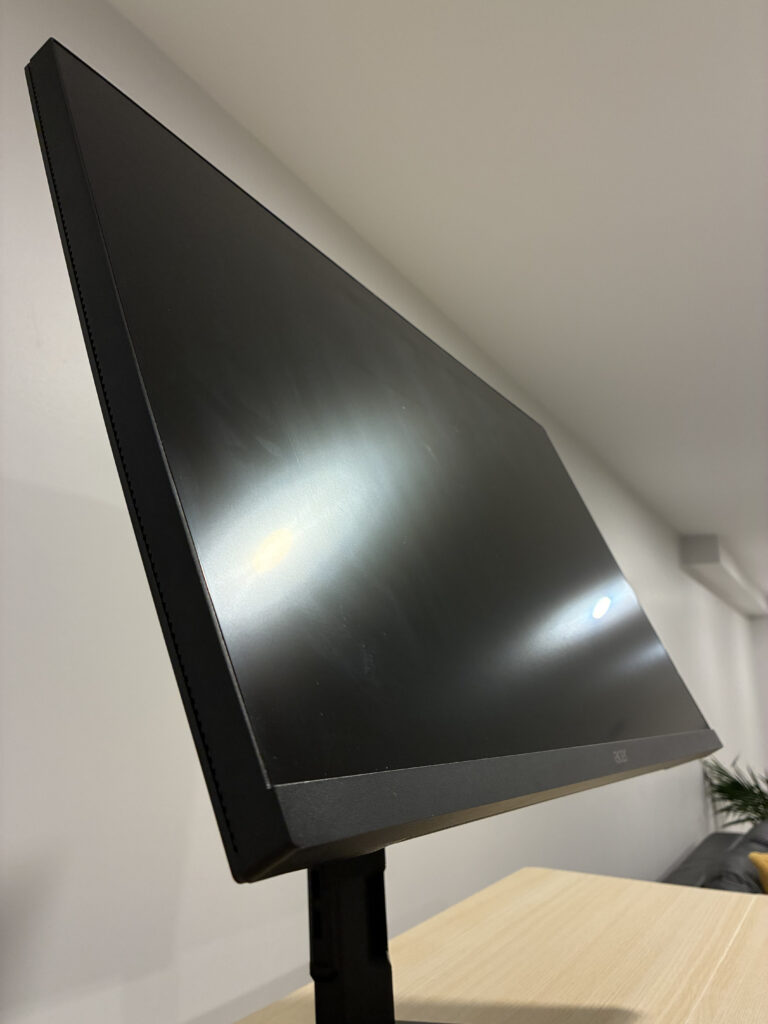
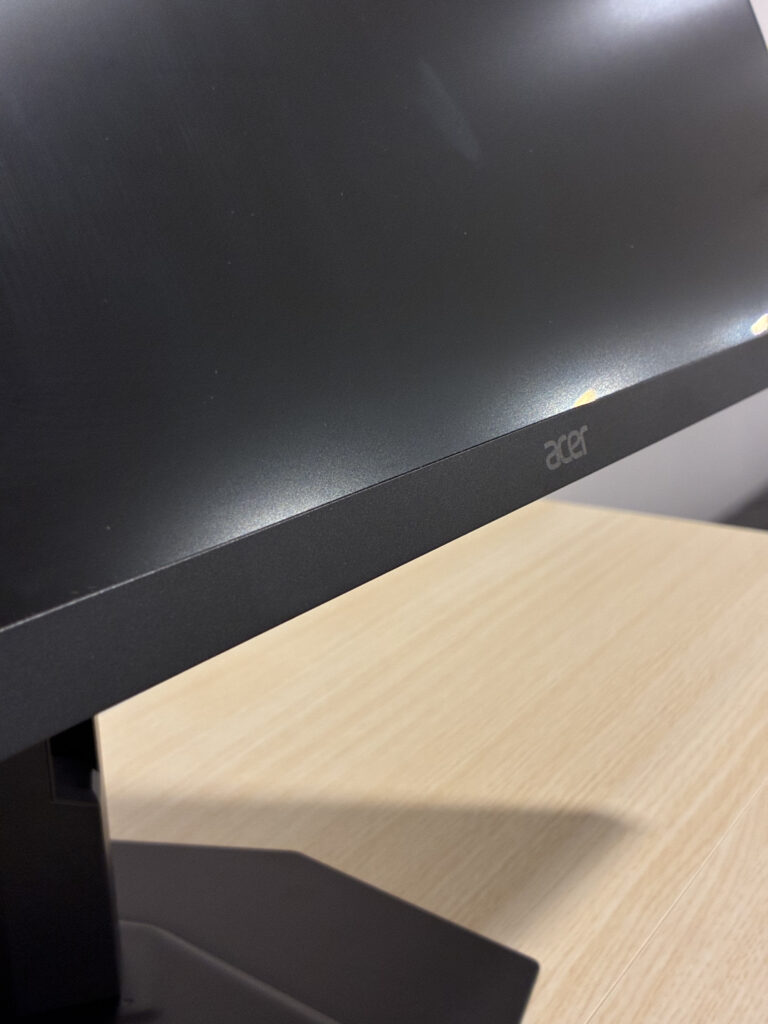
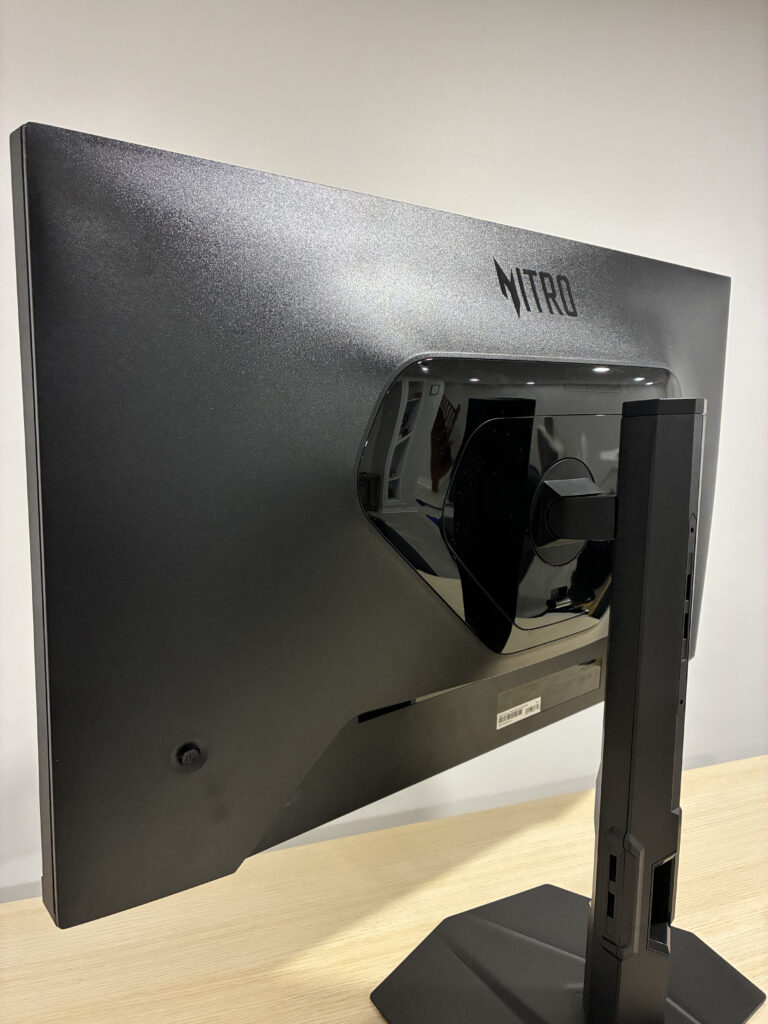
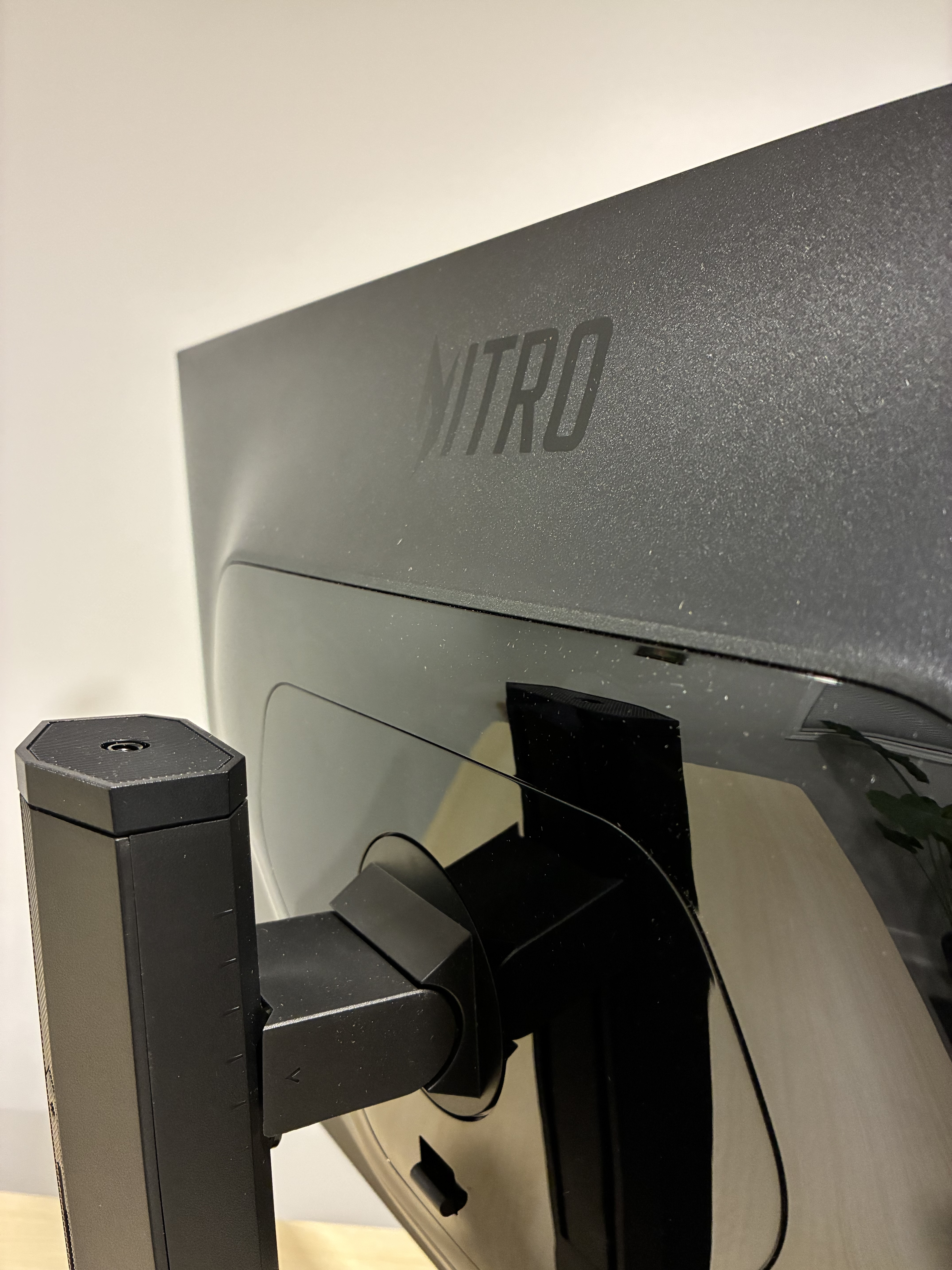
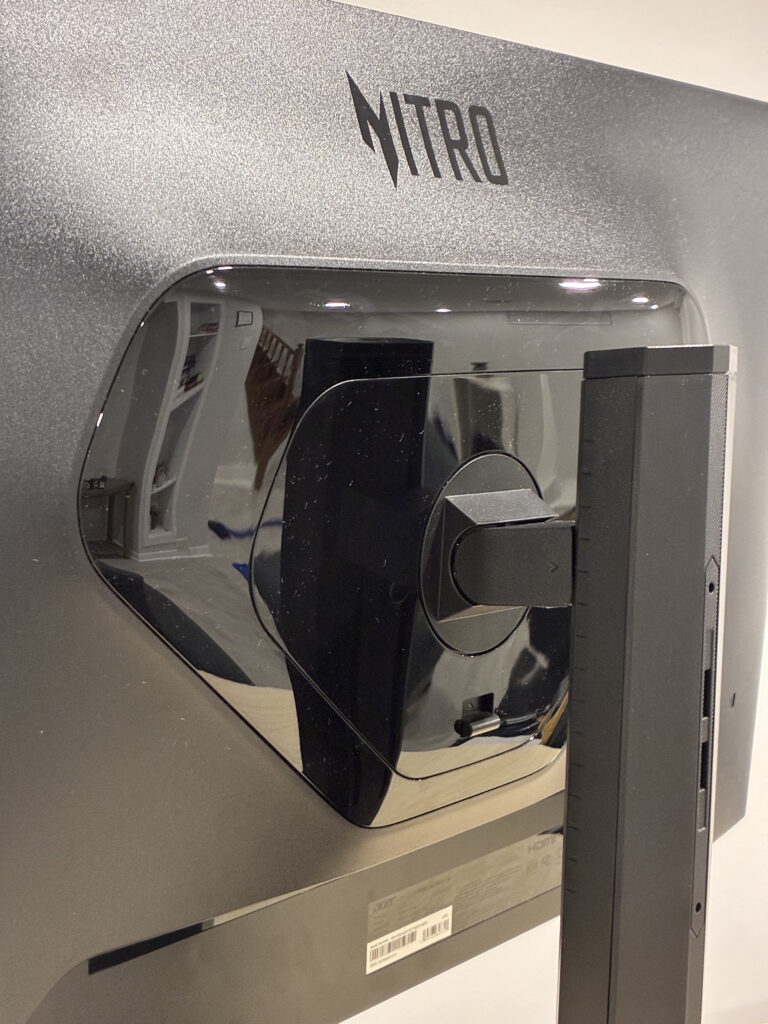
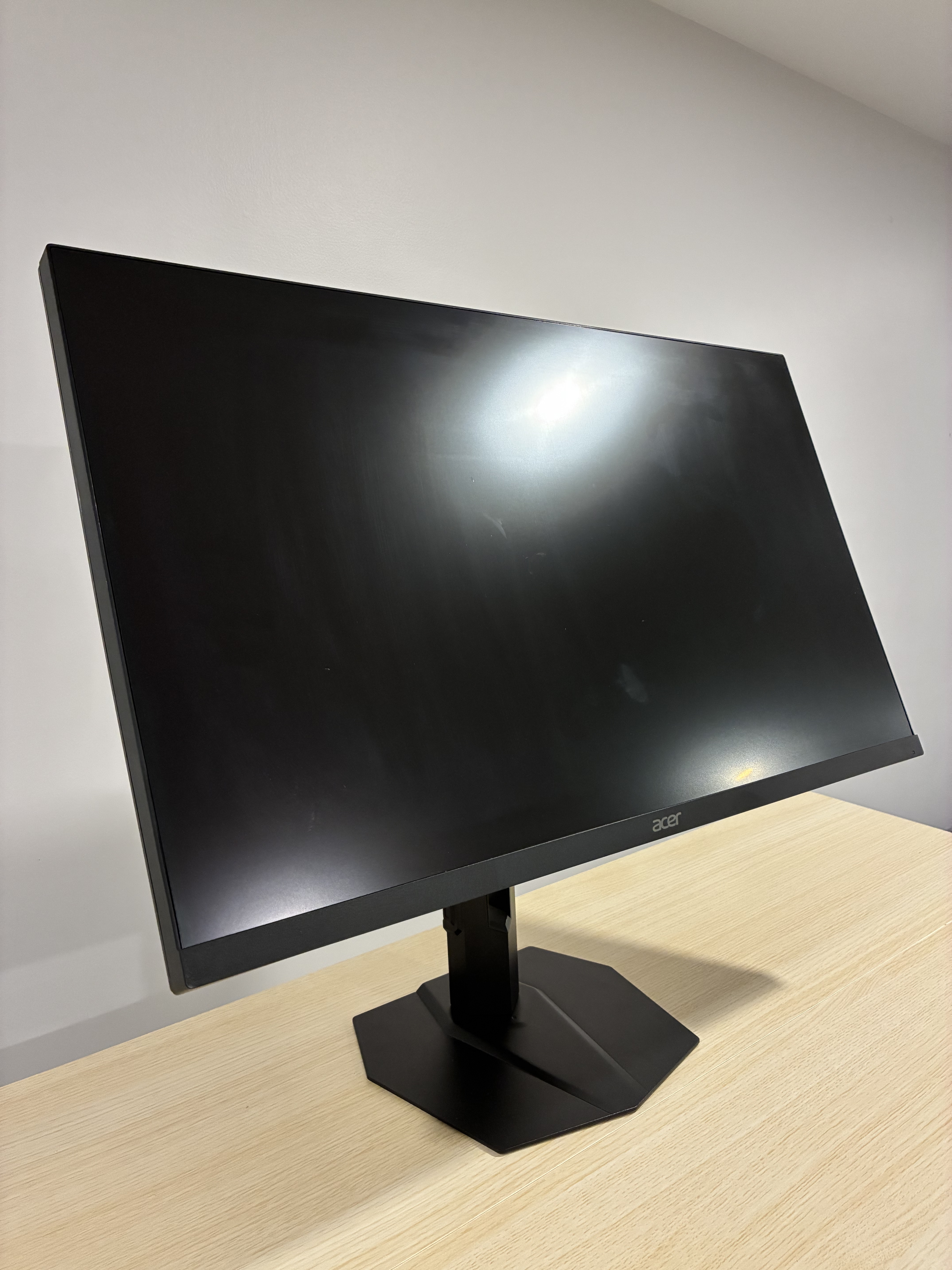
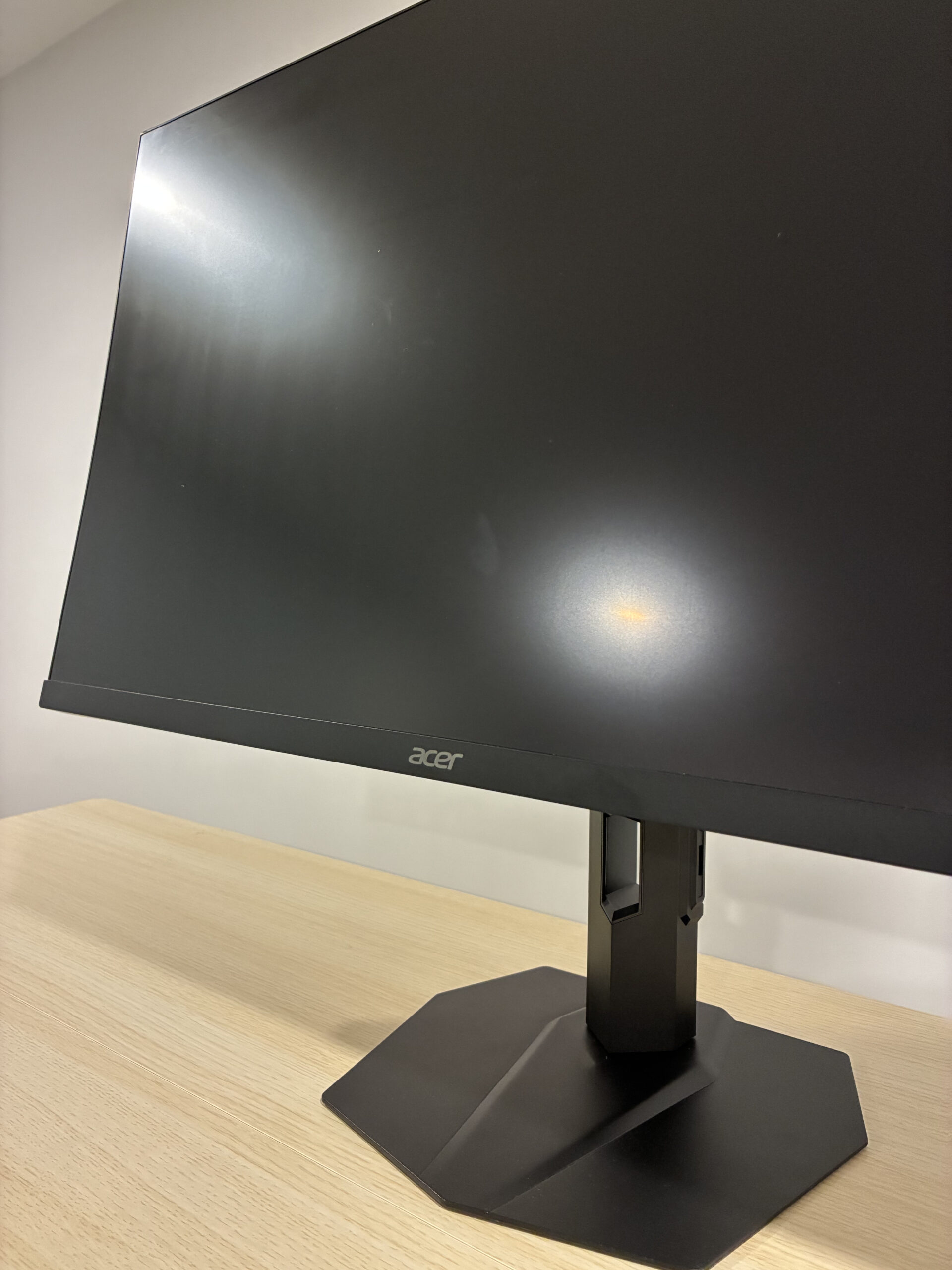
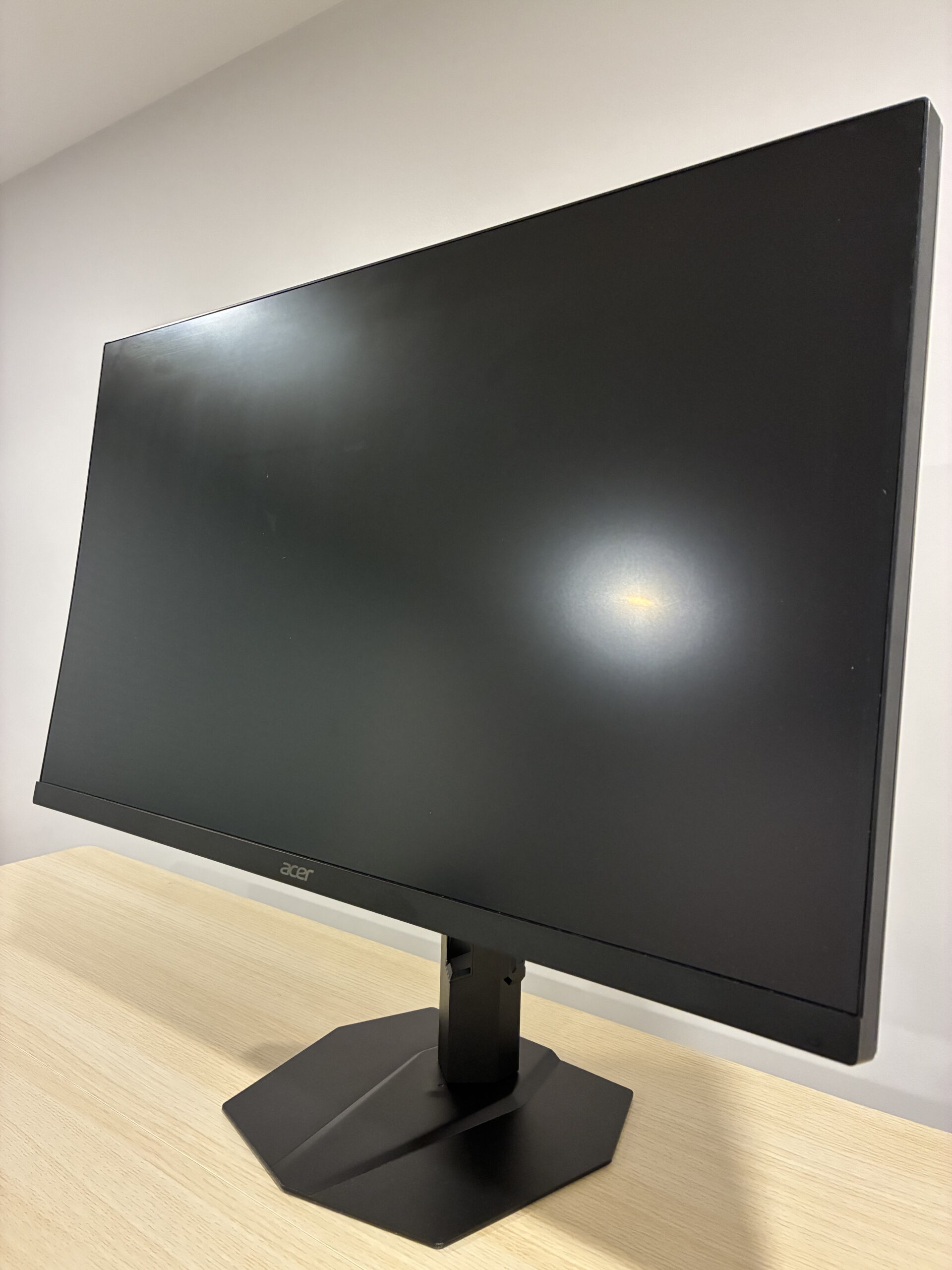
Unboxing and Build Quality: 9/10
Alright, let’s get this thing open. The moment the delivery guy dropped off the box for the Nitro XV275U F3, I knew this was serious. It’s a big box, and everything feels solid. Cutting through the tape and lifting the lid, you’re greeted with perfectly cut, dense foam protecting every inch of the monitor. No flimsy cardboard here.
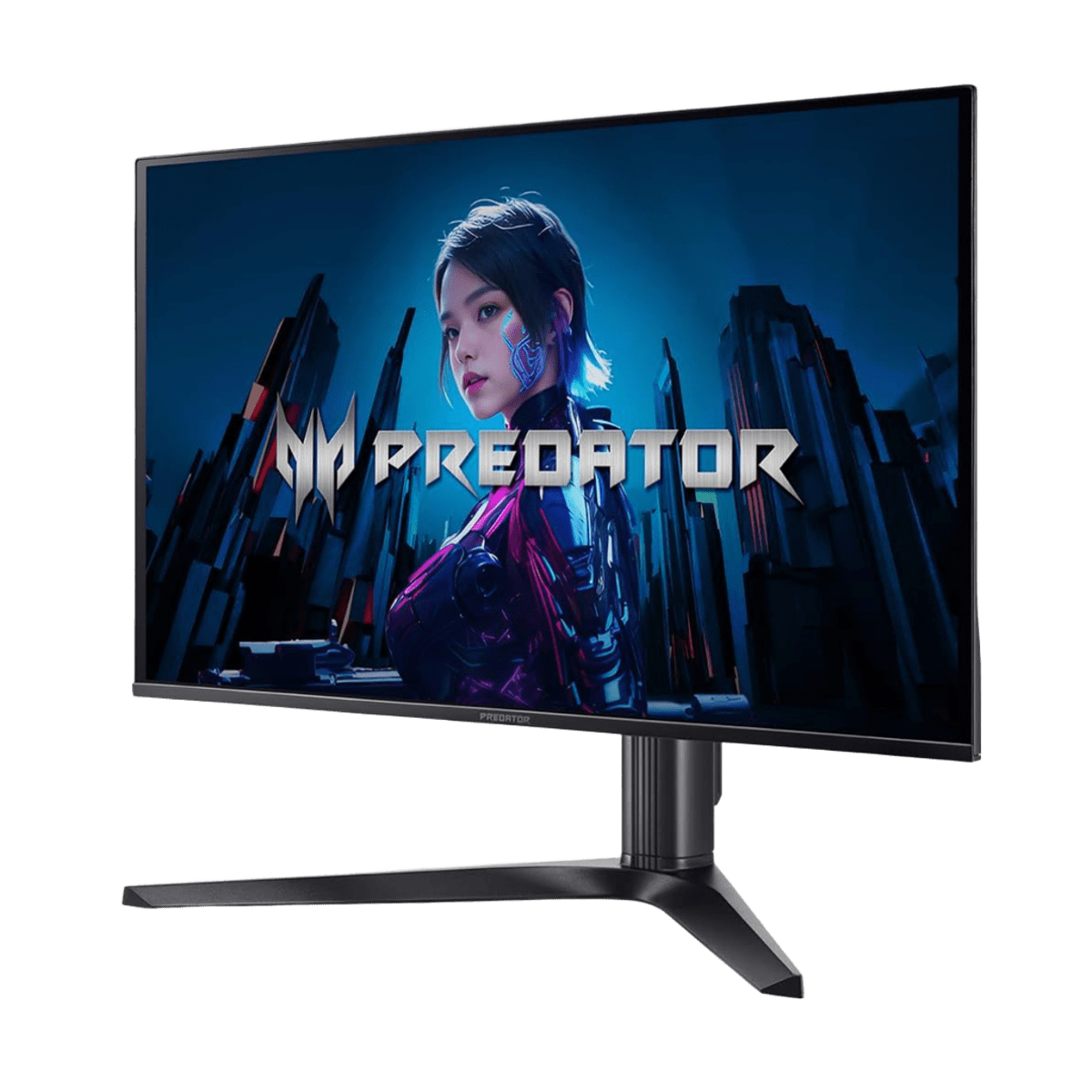
First thing I pulled out was the stand. Wow. This isn’t your typical wobbly plastic stand; it’s a heavy, solid piece of metal that feels cool to the touch. It has some real heft to it, the kind that tells you this thing isn’t going to wobble. Lifting the 27-inch panel out of the box, you can just feel the quality. There are no creaks, no flex—just a solid, well-built piece of kit with that signature, refined Nitro look. The whole unboxing experience screams “premium.” A 9/10 first impression, no question.
What’s Inside the Box?
- 1 x User Manual
- 1 x Nitro XV275U F3 Monitor
- 1 x Heavy-Duty Ergonomic Stand
- 2 x DisplayPort 1.4 Cable
- 2 x HDMI 2.1 Cable
- 1 x Power Cable
Cables & Very Easy Setup: 10/10
I was bracing myself for the “where they cut corners” moment, and it definitely wasn’t here. I opened the accessory box and was shocked. You know that feeling when a company cheaps out and doesn’t give you the right cables? Not here. Acer included two HDMI 2.1 cables and two DisplayPort 1.4 cables. That’s not a typo. You get four high-bandwidth cables right in the box. This is incredibly generous and a huge 10/10.
But the best part was the setup. I put the entire thing together myself in less than five minutes, with zero tools needed. The stand just clicks into the back of the monitor with a satisfying, secure thunk. It was honestly one of the smoothest and easiest setups I’ve ever experienced.
Design and Ergonomics: 10/10
This is a huge win. The stand isn’t just heavy; it’s a full-on ergonomic powerhouse. I was able to easily adjust the height (up to 5.9 inches), swivel it (+20°), and tilt it (-5° ~ 25°) to find that perfect, comfortable viewing angle.
But the home run feature? It pivots a full 90 degrees. I could turn this monitor completely vertical. For a “gamer” monitor, this is a massive bonus for productivity. I used it to read long documents and manage my code. For a hybrid user, this stand is a 10/10, no notes.
The “Creator” Side: An Absolutely Amazing Display: 10/10
Okay, now for the “Creator” half of this review, because my mind is blown. This is a QD-MiniLED panel with a staggering 1152 local dimming zones. That’s a spec you’d expect on a monitor three or four times this price.
What does it mean? The contrast is insane. The blacks are deep and inky, right next to eye-searingly bright highlights, thanks to the VESA DisplayHDR 1000 certification. But here’s the kicker: the colors are perfect. It covers 99% of the AdobeRGB and 99% of the DCI-P3 color gamuts. With a Delta E < 2 rating, it’s more color-accurate out of the box than my expensive “pro” monitor. I did a full photo editing session in Lightroom, and the colors were so rich and accurate, I just… I have no words. It’s a professional-grade creative display, period.
The “Gamer” Side: Super Smooth, Fast and Flawless: 10/10
So it’s beautiful… but is it fast? This is where the other half of the title comes in. This monitor has a 320Hz overclocked refresh rate. Let me say that again: three hundred and twenty hertz.
I fired up Apex Legends and Call of Duty, and the motion clarity is otherworldly. It’s so fast, so fluid, it feels like you have a direct connection to the game. Paired with the insane 0.5ms (Min) response time, there is absolutely zero smearing, ghosting, or lagging. It’s just a crystal-clear image all the time.
Gaming and AMD FreeSync Premium: 10/10
Diving deeper into the gaming, the experience is just flawless. I tested it with a bunch of games, and thanks to AMD FreeSync Premium, the gameplay is so impossibly smooth it’s almost hypnotic. Every single frame gets rendered perfectly without any of that annoying screen tearing or stuttering. This isn’t just a small upgrade; having a display this responsive and tear-free gives you a real, tangible advantage when you play.
Price and Final Thoughts: The Perfect Hybrid?
So, after a full week, here’s the bottom line. At $379.99, this monitor shouldn’t exist. I’ve been struggling to find the catch, and I honestly can’t find one.
You are getting a spec list that doesn’t just compete with, but beats monitors in the $800-$1000 range. You are getting an elite, 320Hz competitive gaming monitor. You are also getting a color-accurate, HDR 1000, 1152-zone MiniLED professional creative monitor.
So, is it the perfect monitor for both gamers and creators? It’s not just the perfect one; it’s the only one I’ve ever seen at this price that doesn’t compromise on either side. It’s a new standard. It’s an absolute game-changer, and it’s available this week on Amazon. I wholeheartedly recommend it.

Leave a Reply